

Our customers tell us we’re genuinely different to other IT companies.
Get in touch today to find out more.
Or call us today on 01225 426 800
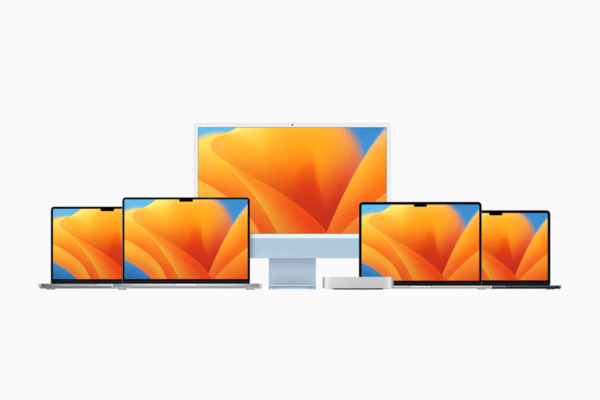
Choosing the right hardware for your workforce isn’t just an IT decision; it’s a major driver of productivity, employee retention, and operational efficiency.
With Apple’s latest hardware refreshes, finding the best Apple laptop for business (or the ideal desktop counterpart) requires looking closely at how different roles map to Apple’s current ecosystem.
From administrative staff needing long-lasting battery life to developers demanding raw performance and hot-desking teams requiring compact desktop power, here is the definitive breakdown of the best Macs for business in 2026.
| Model | Form Factor | Target Audience | Key Business Benefit | Starting Storage |
| MacBook Air (M5) | Laptop | Remote workers, sales, management, and general admin | Ultra-portable, all-day 18-hour battery life, Wi-Fi 7 | 512GB |
| MacBook Pro (M5 Pro / Max) | Laptop | Developers, data analysts, video editors, power users | Unmatched processing power, Thunderbolt 5, up to 24-hour battery | 1TB |
| Mac Mini (M4 / M4 Pro) | Desktop | Hot-desks, standard office workstations, dev servers | Incredible price-to-performance ratio, ultra-compact footprint | 512GB |
| iMac (M4) | All-in-One | Front desks, creative agencies, open-plan offices | Beautiful 4.5K built-in display, clean “one-cable” desk setup | 256GB |
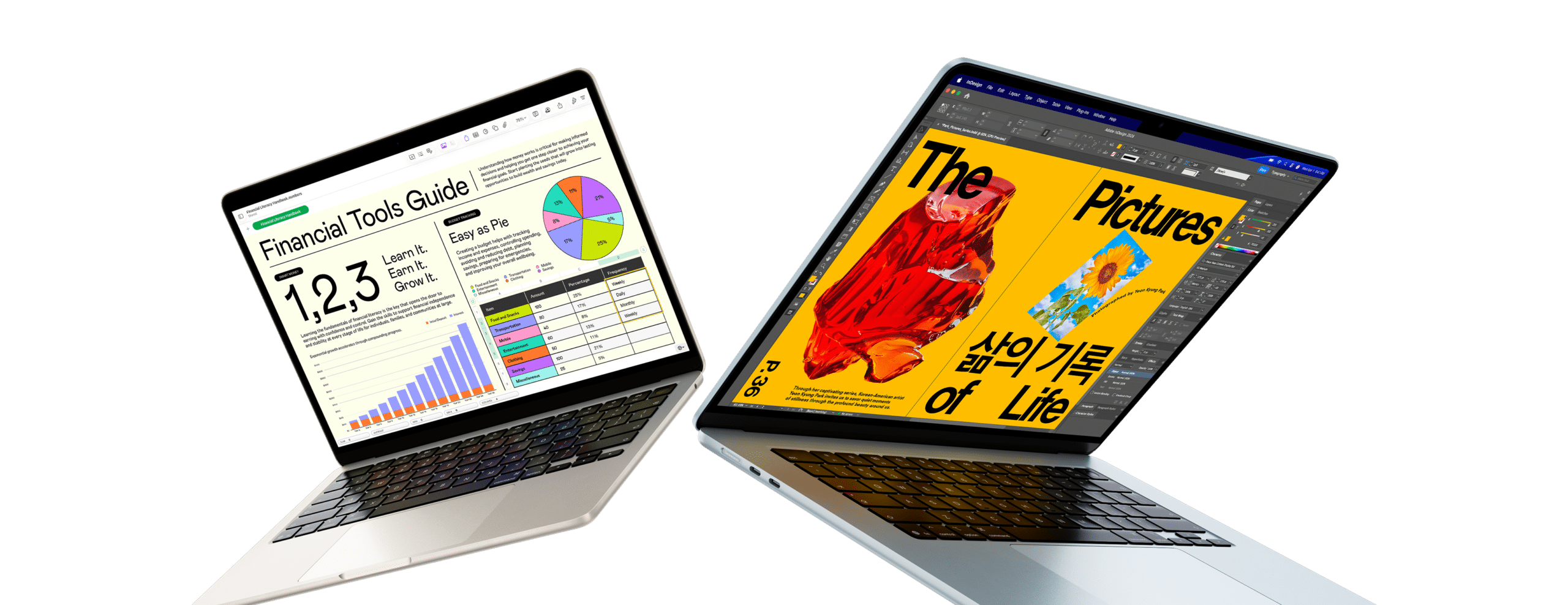
Best Apple laptop for business mobility and hybrid teams
For the vast majority of corporate employees, the MacBook Air with the M5 chip is the absolute sweet spot for mobile productivity. Available in both 13-inch and 15-inch models, Apple’s latest Air strikes a perfect balance between performance and portability.
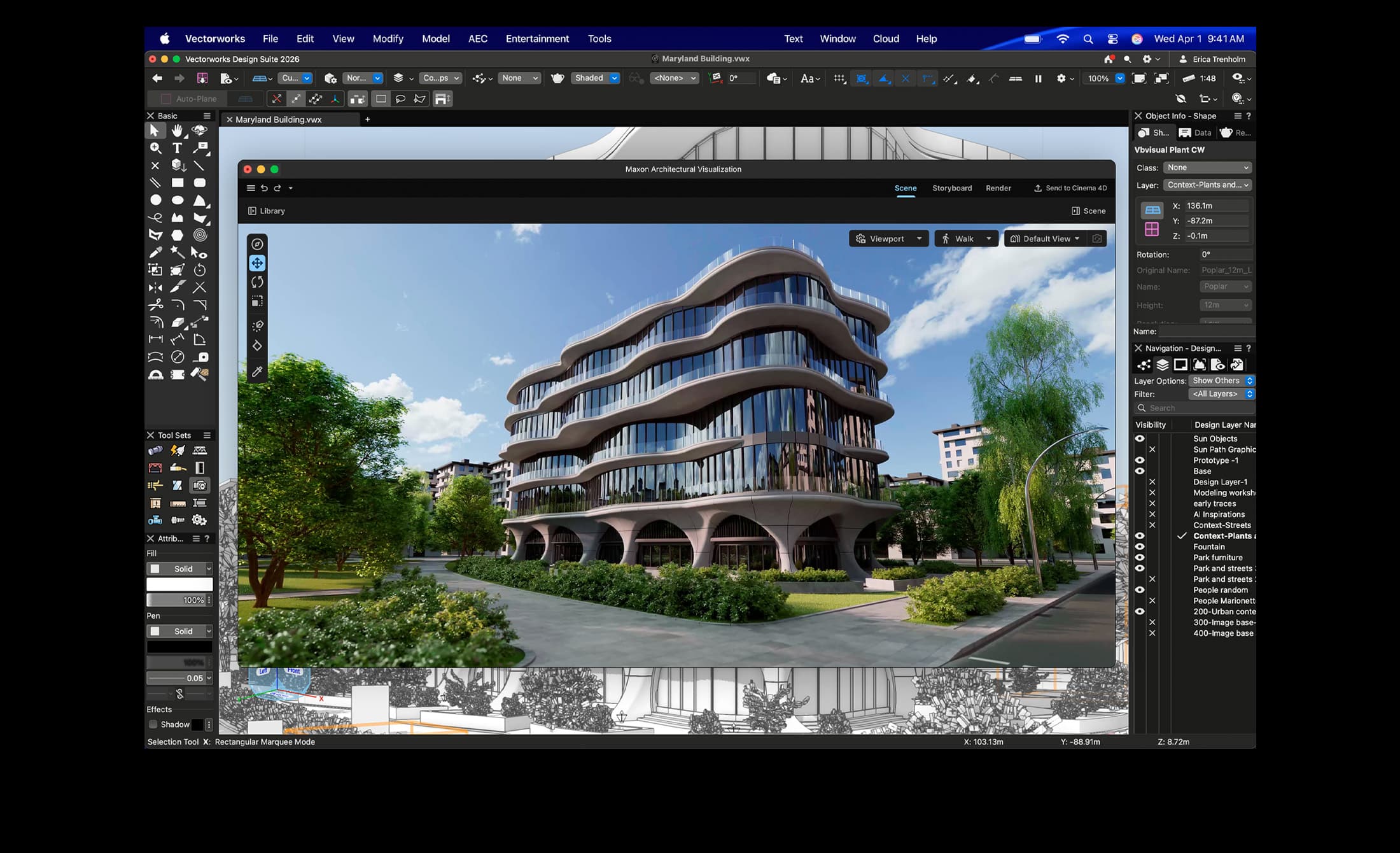
Best high-performance Mac for developers and creatives
When your workflow demands sustained raw power on the go, the 14-inch or 16-inch MacBook Pro models equipped with the M5 Pro or M5 Max chips are built to deliver.
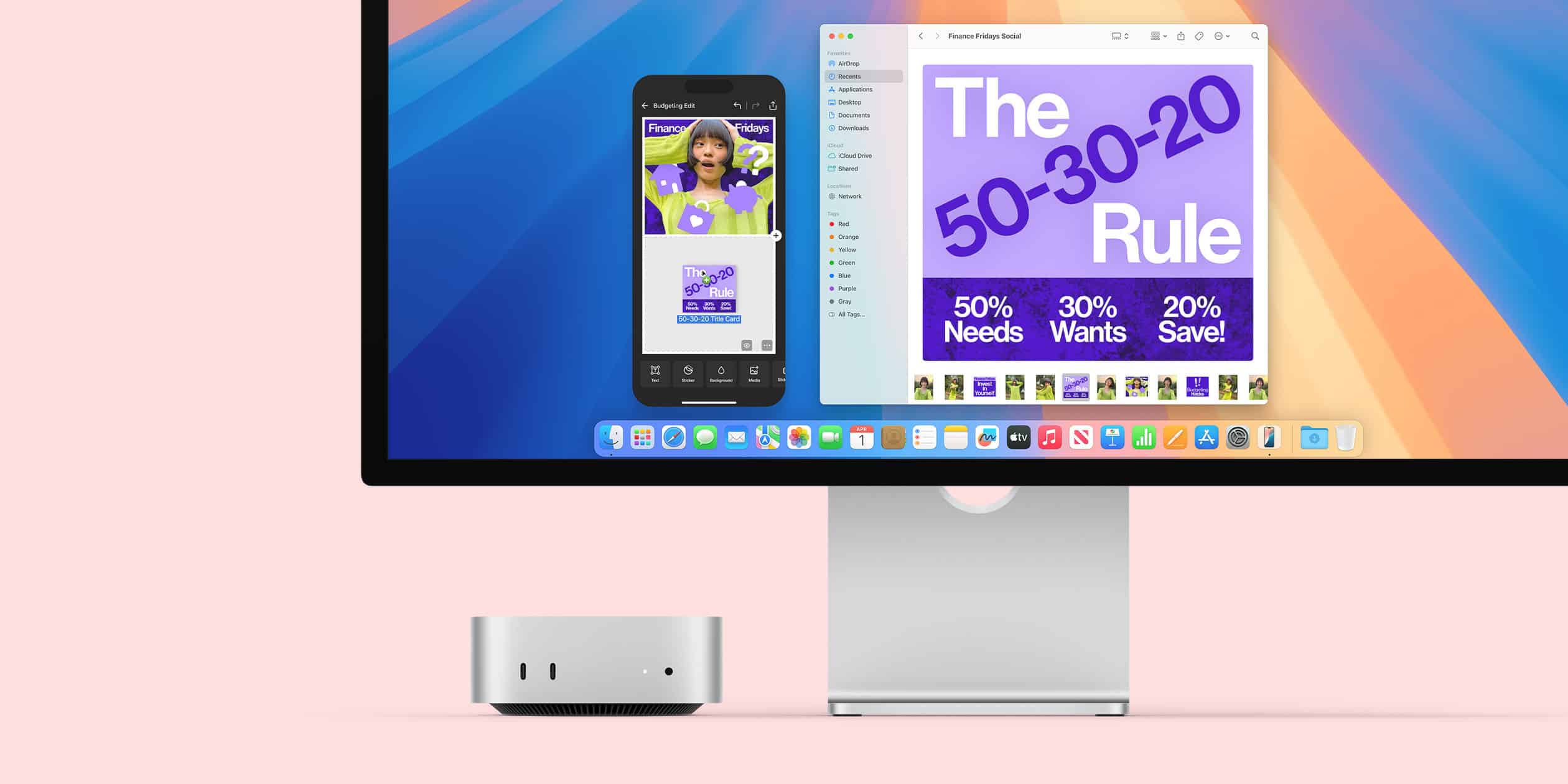
Best value desktop for standard workstations and hot-desking
If your employees don’t need to work on the train, the ultra-compact Mac Mini is arguably the most cost-effective way to deploy high-performance Macs across an entire office.
Verdict: The perfect choice for standard office desks, customer support cubicles, and developer build-servers where a built-in screen isn’t required.

Best All-in-One for client-facing environments and open offices
For a clean, sleek, and instantly deployable workstation, the 24-inch iMac with the M4 chip remains the undisputed king of the All-in-One (AIO) market.
Verdict: The go-to option for reception desks, creative agency studios, and dedicated office spaces that value aesthetics alongside raw computing power.
Apple’s budget-tier laptop, the MacBook Neo (powered by the A-series chips), frequently pops up in procurement discussions due to its low entry price. However, for business-intensive operations, we generally recommend bypassing it.
Because it relies on a scaled-down mobile architecture, it encounters significant bottlenecks when handling heavy corporate workloads. The limited baseline RAM constraints and restrictions on multi-window OS desktop environments mean it struggles with intense multitasking, large local databases, or complex enterprise SaaS applications.
We hope this guide has given you a clearer insight into finding the best Apple laptop for business or desktop alternative for your team.
As a Managed Service Provider and certified Apple Partner, we help businesses choose, configure, deploy, and manage their Apple devices to perfectly match their operational requirements. We take the guesswork out of IT procurement and lifecycle management.
To learn more about how our Managed IT Services can support your business, reach out to our friendly team today via info@systemagic.co.uk or on 01225 426800.