

Our customers tell us we’re genuinely different to other IT companies.
Get in touch today to find out more.
Or call us today on 01225 426 800

If your team is already using Microsoft 365, you might be paying extra for third-party project management apps or drowning in endless email chains and shared spreadsheets to keep projects on track.
But there’s a powerful, collaborative tool built directly into your existing subscription that you might not even know about: Microsoft Planner.
Whether you’re managing marketing campaigns, onboarding new hires, or tracking deliverables, Microsoft Planner brings structure, clarity, and efficiency to your daily workflows.
Microsoft Planner is a modern, flexible task and project management tool. It unifies individual to-do lists and team collaboration into a single, cohesive experience.
Instead of jumping between disconnected apps, your team can plan, organise, and execute projects right where they already work – especially inside Microsoft Teams.
Multiple View Options: Switch seamlessly between Board (Kanban-style cards), Grid lists and Schedule calendars depending on your project’s needs.
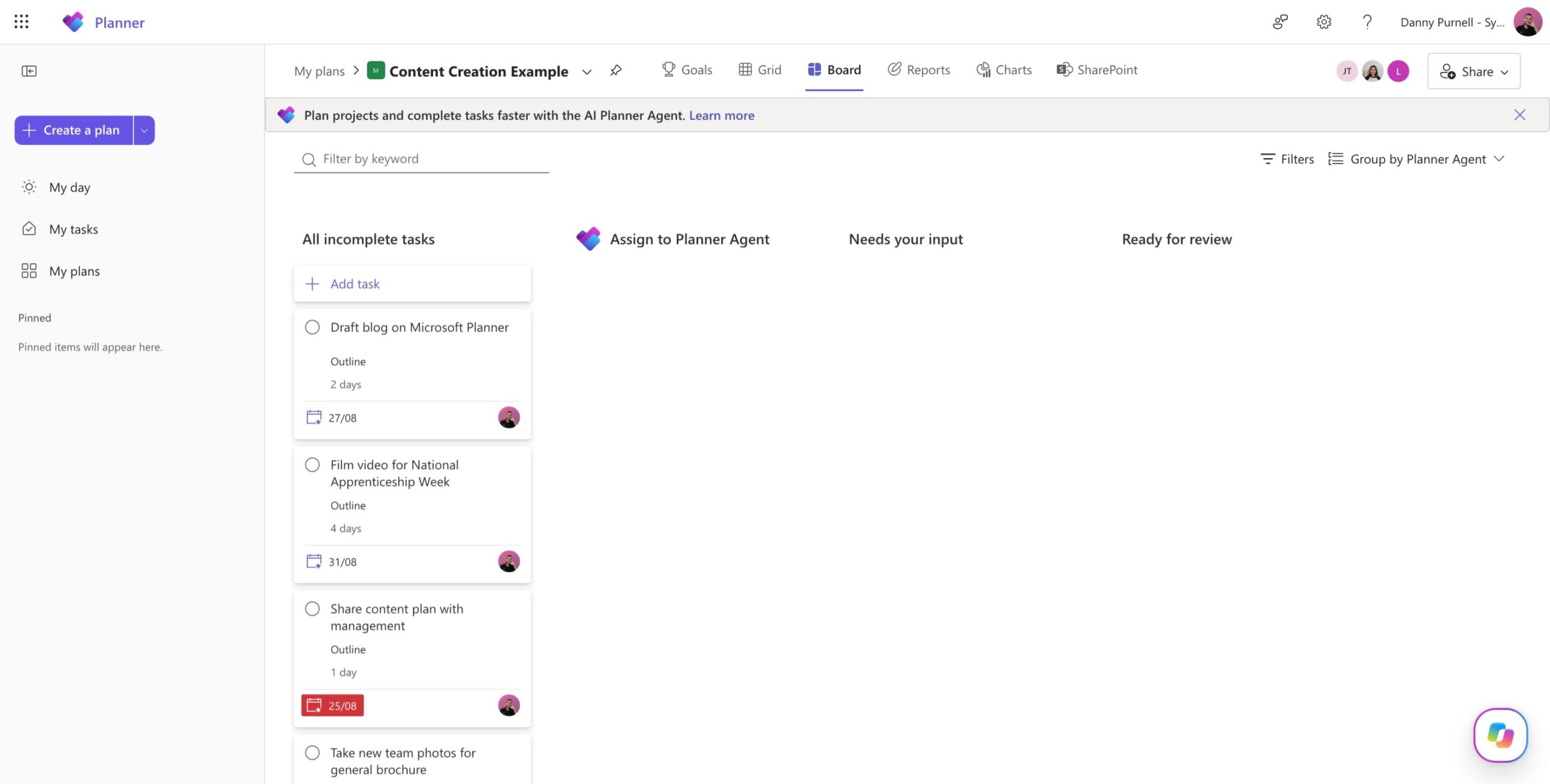
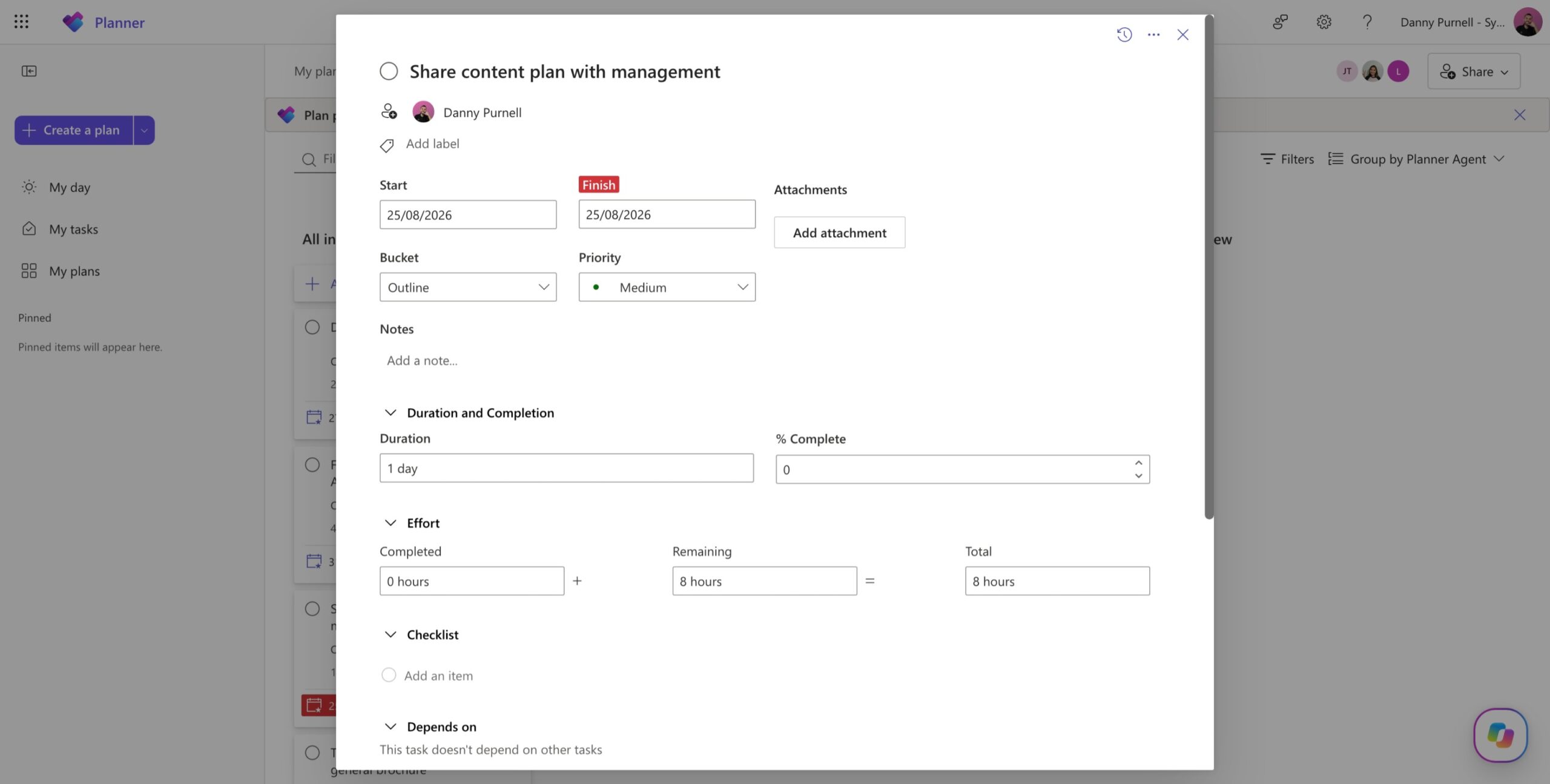
Buckets and Tasks: Organise work into distinct phases or categories, assign tasks to team members, set priorities, and attach files or checklists.
Task Chat & Collaboration: Use real-time task chats featuring @mentions and rich text formatting to keep discussions focused directly on the work item.
Reusable Templates: Save time on recurring workflows by creating custom templates with pre-designed layouts, buckets, and labels.
AI Assistance: Leverage Microsoft 365 Copilot features to summarise project updates, track risks, and streamline planning.
If your organisation already holds a commercial Microsoft 365 subscription, Microsoft Planner is included at no additional cost. There is no need to request extra software budgets or vet external vendors for team task management.
Context-switching between tools kills productivity. Because Planner integrates natively with Microsoft Teams and Outlook, your employees don’t have to leave their main communication hub to check off assignments or review upcoming deadlines.
Planner adapts to your organisation’s complexity. While basic plans handle routine team coordination effortlessly, scaling up unlocks advanced project management controls like task dependencies, critical path analysis, resource management, and portfolio tracking.
Managers gain real-time visibility into workloads, bottlenecks, and project health. Everyone knows who is responsible for what, dramatically reducing friction and miscommunication.
Ready to streamline your team’s workflows? You can access Microsoft Planner directly at planner.cloud.microsoft or through your Microsoft 365 app launcher.
To dive deeper and see Planner in action, check out Microsoft’s official YouTube tutorials for step-by-step guides and best practices.